On National Panchayati Raj Day, April 24, 2020, Indian Prime Minister Narendra Modi introduced the E-Gram Swaraj Portal at egramswaraj.gov.in. Furthermore, Android users can easily install the E Gram Swaraj Mobile App via the Google Play Store (link provided below). This digital platform and its associated app are designed to assist citizens in tracking village-level development projects, Panchayat Secretary details, and local representative information. Additionally, PM Modi unveiled the Swamitva Scheme, which offers a comprehensive property verification framework for rural regions.
To bolster e-Governance initiatives within Panchayati Raj Institutions (PRIs), the central government developed the user-friendly eGramSwaraj web portal and mobile application. The platform aims to enhance transparency in decentralized planning, status updates, and accounting practices. The eGramSwaraj app functions as a simplified accounting tool tailored for Panchayati Raj needs. Follow this guide to learn how to navigate the E Gram Swaraj Portal and install the application.
E Gram Swaraj Portal (egramswaraj.gov.in) Introduced by PM Modi
The direct URL to access the official E-Gram Swaraj Portal launched by Prime Minister Narendra Modi is provided here:
- Official Website for e Gram Swaraj - https://egramswaraj.gov.in/
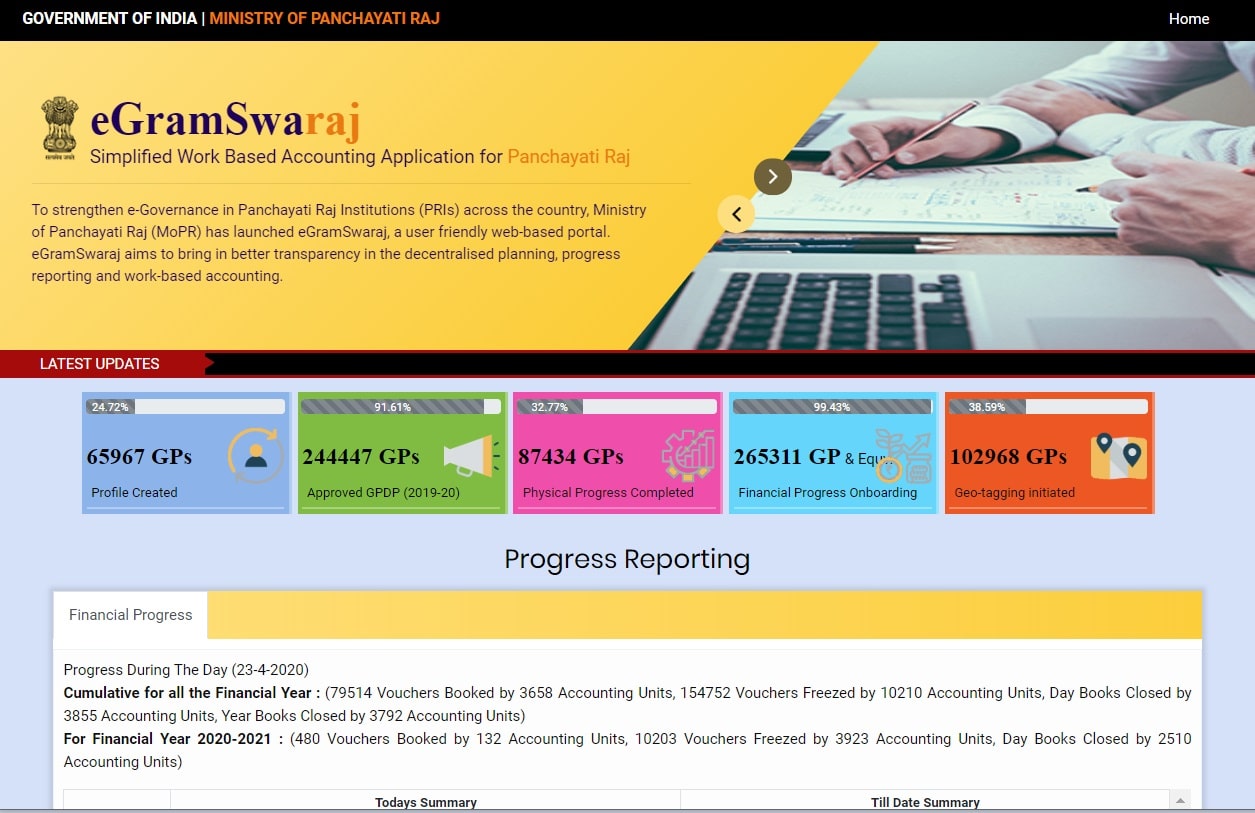
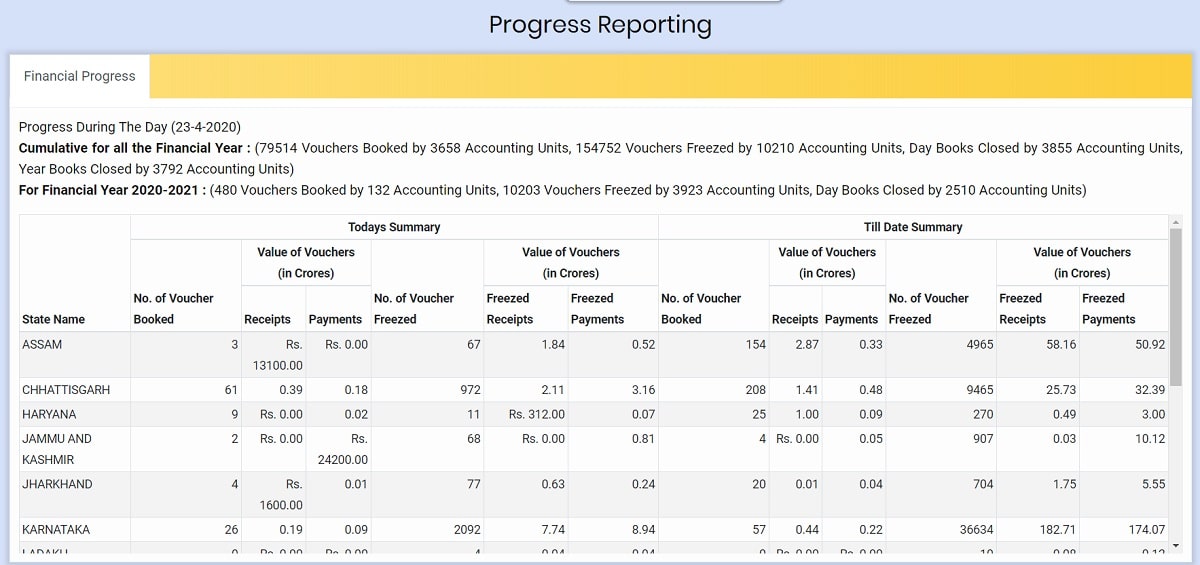
- The primary dashboard of the eGramSwaraj portal appears as follows:
Download eGramSwaraj Mobile App from Google Play Store (Android)
The eGramSwaraj mobile application provides updates on various initiatives managed by Panchayati Raj Institutions (PRIs). Android users can download the official application directly from the Google Play Store via the link below: