The government of Odisha has introduced the ARPANA Portal to assist retired pensioners across the state. Pensioners can submit online requests for the revision of their pension or family pension by visiting the official website at pension.odishatreasury.gov.in. This portal was established to enhance governance and streamline service delivery for state employees and retirees.
Applicants who choose to use Aadhaar authentication are not required to visit Pension Disbursing Authorities to submit physical copies of their forms. Conversely, those who prefer not to use Aadhaar authentication must print, sign, and submit a hard copy of their application to their respective Pension Disbursing Authority office.
The acronym ARPANA stands for "Apply for Revision of Pension using Aadhaar Number Authentication." Eligible pensioners can initiate their online application for pre-2016 pension revisions by visiting the portal at pension.odishatreasury.gov.in.
ARPANA Portal Family Pension Revision Application Form (Apply with Aadhar)
Below is the step-by-step registration guide for both Aadhaar-verified and non-Aadhaar-verified applicants:-
STEP 1: Visit the official ARPANA Portal website at https://pension.odishatreasury.gov.in/login.html
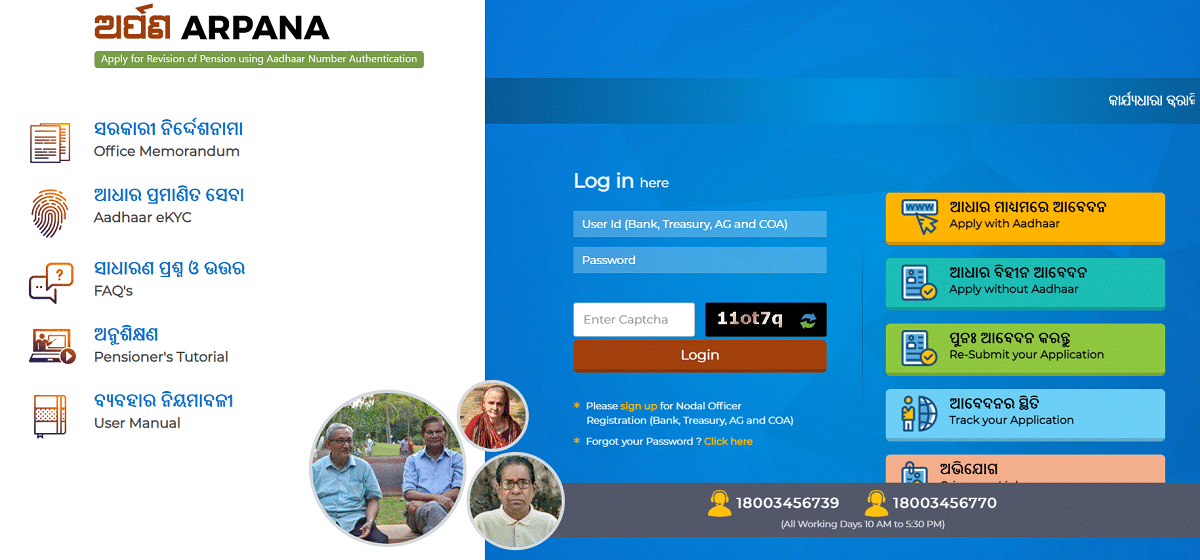
STEP 2: Click on the "Apply with Aadhaar (ଆଧାର ମାଧ୍ୟମରେ ଆବେଦନ)" button or navigate directly to https://pension.odishatreasury.gov.in/pserveltAddFormc.html
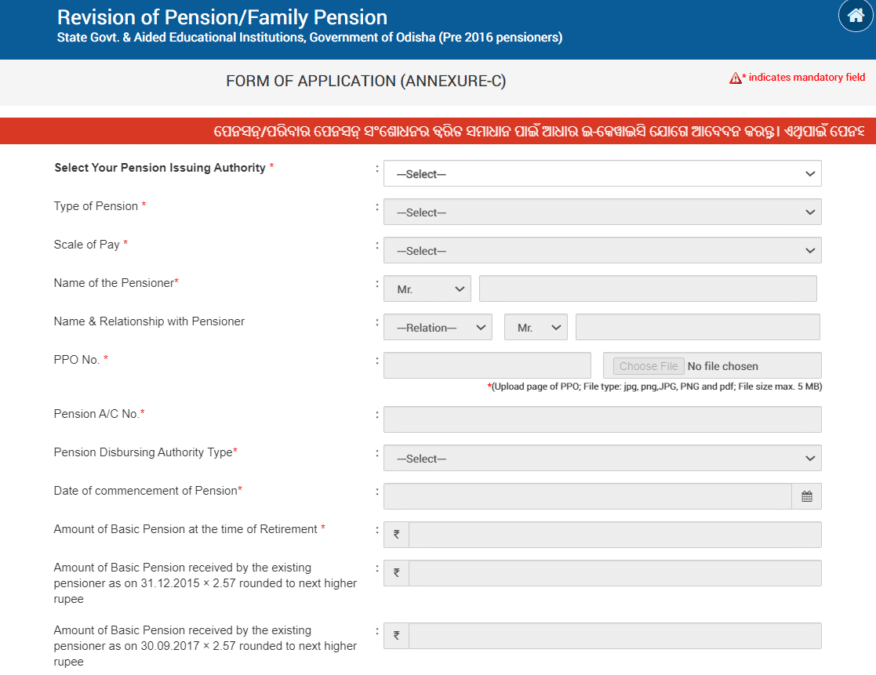
STEP 3: Once clicked, the online Pension Payment Order (PPO) form will appear on your screen.
 Tags:
Sarkari Yojana List
Tags:
Sarkari Yojana List