The Election Commission of India (ECI) has released the official Voter Helpline mobile application for both Android and iOS platforms. Users can now download the Voter Helpline APK to easily access various digital services. The app allows citizens to download their voter ID, check their status in the electoral rolls, search for polling details, submit grievances, and complete various registration forms. The application is approximately 34 MB in size and has already surpassed 10 million downloads.
The Voter Helpline app receives regular updates, with the current version being v3.0.85. Android devices running version 4.4 or higher are compatible with this ECI-developed tool. This application is particularly essential for staying informed during upcoming local, state, and national elections.
How to Download the Voter Helpline App via Google Play Store
This section outlines the steps to install the Voter Helpline application directly from the Google Play Store. You can use this official link to download the app: https://play.google.com/store/apps/details?id=com.eci.citizen&hl=en_IN
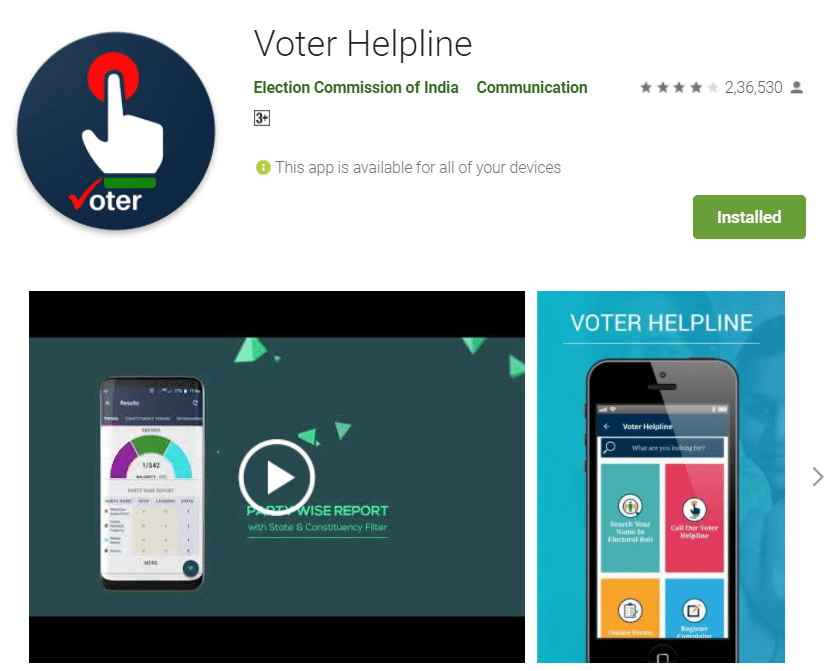
The Election Commission of India launched this initiative to foster civic participation, encouraging voters to make informed and ethical choices during elections.
Overview of the Voter Helpline APK
Continuing its mission to build an engaged democracy, the ECI created this mobile app to simplify the electoral process for all citizens. It serves as a centralized hub for voter services, offering the following key features:
- Electoral Search - Easily verify your details in the national voter roll.
- Forms - Access and submit online applications for new voter registration, address changes, overseas voter enrollment, or corrections to existing records.
- Complaint Registration - File grievances regarding election services and monitor their resolution progress.
- FAQ's - Find answers to common questions about the voting process, EVMs, and election results.
- Online Services - Utilize various resources tailored for both voters and election officials.
- Find Election Schedule - View the complete polling schedule for your specific region.
- Check Candidates Information - Review candidate profiles, asset declarations, income statements, and criminal records.
- Find Polling Officials - Contact local election staff including BLOs, EROs, DEOs, and CEOs.
- Click Selfie After Voting - Share your voting day selfie for a chance to be featured in the official app gallery.
- Download Candidates List - Get the list of contesting candidates as a printable PDF.